Video Format Guide: MP4, AVI, MOV, MKV Explained
Understand the differences between video formats like MP4, AVI, MOV, and MKV. Learn which format to use and how to convert between them.
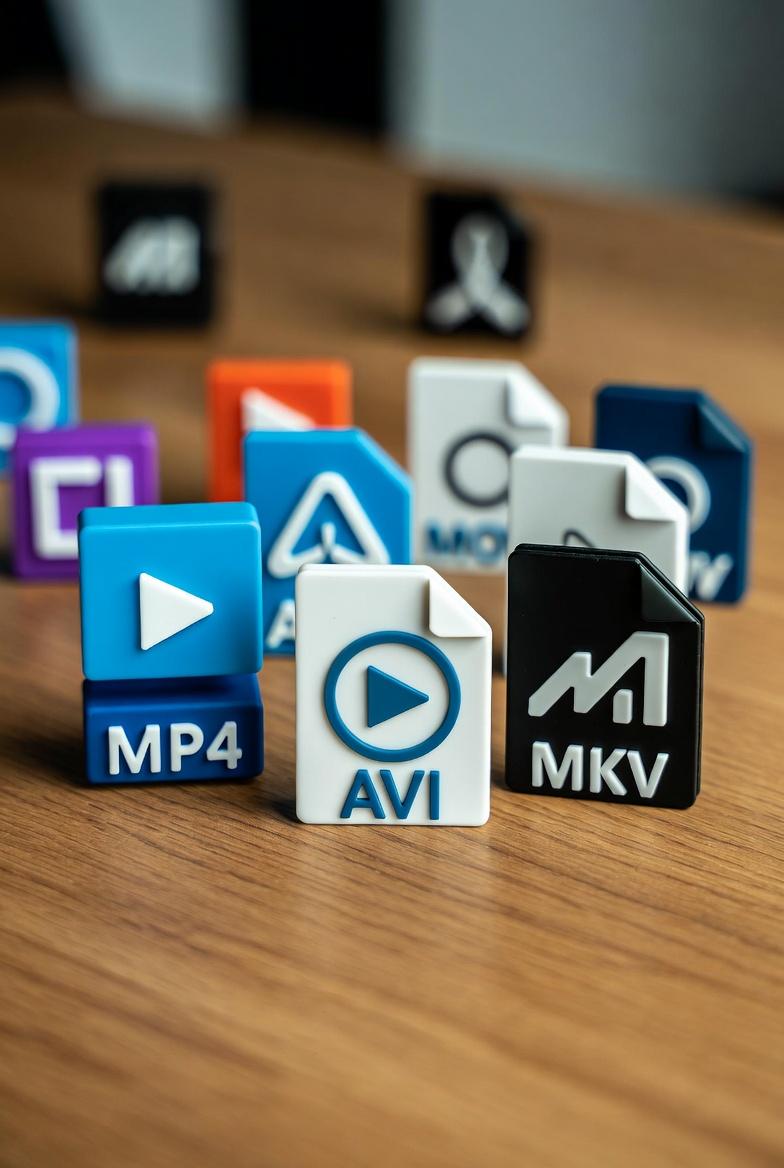
Understanding Video Formats
Video formats determine how your video data is stored and compressed. Choosing the right format affects file size, quality, and compatibility.
Major Video Formats Compared
MP4 (MPEG-4 Part 14)
The Universal Standard
MP4 is the most widely supported video format:
- Compatibility: Works everywhere (phones, TVs, computers, web)
- Compression: Excellent quality-to-size ratio (H.264/H.265)
- Streaming: Optimized for online playback
- Best for: Sharing, social media, general use
- Universal support
- Good compression
- Supports subtitles and multiple audio tracks
- Less flexibility than MKV
- Editing can cause quality loss
- Compatibility: Windows-focused, needs codecs on Mac/Linux
- Compression: Can be uncompressed or use various codecs
- Quality: Can maintain very high quality
- Best for: Video editing, archival
- High quality when uncompressed
- Good for editing workflows
- Simple structure
- Large file sizes
- Limited modern codec support
- No native streaming support
- Compatibility: Native on Mac, requires QuickTime on Windows
- Compression: Supports ProRes and modern codecs
- Quality: Excellent, used in professional editing
- Best for: Mac users, Final Cut Pro editing
- High quality
- Excellent for editing
- Professional codec support
- Large files
- Windows compatibility issues
- Not ideal for web
- Compatibility: Needs VLC or MKV-compatible player
- Features: Multiple audio, subtitles, chapters
- Quality: No quality loss (container only)
- Best for: Movie collections, multi-language content
- Supports any codec
- Multiple audio/subtitle tracks
- Chapter support
- Open source
- Limited device support
- Not for streaming
- Larger files
- Compatibility: All modern browsers
- Compression: VP8/VP9 codecs (excellent)
- Quality: Great for file size
- Best for: Web videos, HTML5 embedding
- H.264: Most compatible, good quality
- H.265 (HEVC): Better compression, newer devices
- VP9: Google's alternative to H.265
- ProRes: Apple's editing codec
- AAC: Standard for MP4
- MP3: Universal compatibility
- AC3: Surround sound
- FLAC: Lossless audio
- Upload your video file
- Select target format (MP4, WebM, AVI)
- Download converted file
- Resolution: Keep original or reduce for smaller files
- Bitrate: Higher = better quality, larger files
- Codec: H.264 for compatibility, H.265 for efficiency
Pros:
Cons:
AVI (Audio Video Interleave)
The Legacy Format
Microsoft's original video format from 1992:
Pros:
Cons:
MOV (QuickTime)
Apple's Choice
Apple's format for professional video:
Pros:
Cons:
MKV (Matroska)
The Flexible Container
Open-source format with maximum flexibility:
Pros:
Cons:
WebM
Built for the Web
Google's open web video format:
Quick Comparison Table
| Format | Best Use | Quality | Size | Compatibility |
| MP4 | General use | Good | Small | Universal |
| AVI | Editing | Excellent | Large | Windows |
| MOV | Mac editing | Excellent | Large | Apple |
| MKV | Archives | Excellent | Medium | Limited |
| WebM | Web | Good | Small | Browsers |
Choosing the Right Format
For Sharing Online
Use MP4 - Works everywhere, good compression
For Social Media
Use MP4 - Required by most platforms
For Professional Editing
Use MOV or AVI - Better for editing workflows
For Archiving Movies
Use MKV - Preserves quality and features
For Websites
Use MP4 or WebM - Browser compatible, fast loading
Understanding Video Codecs
The format is the container; the codec is the compression method:
Common Video Codecs
Common Audio Codecs
How to Convert Video Formats
Online Conversion
Use our free video converter:
When Converting, Consider:
Video Format FAQs
Q: Which format has the best quality?
A: Quality depends on codec and bitrate, not format. MKV and MOV preserve quality best as containers.
Q: Why is my video not playing?
A: Usually a codec issue. Convert to MP4 (H.264) for maximum compatibility.
Q: How do I reduce video file size?
A: Convert to MP4 with H.264 codec, reduce resolution, or lower bitrate.
Q: Can I convert without losing quality?
A: Converting between containers (MKV to MP4) loses minimal quality. Re-encoding always loses some quality.
Convert Your Videos
Ready to convert? Use our free video converter to transform between MP4, AVI, WebM, and more. Fast, free, and no watermarks.
Free File Converter
Convert images, audio, video, and documents in your browser — no upload, no sign-up, completely private.

Andrew
·Founder of ConvertzBuilding free, accurate conversion tools for everyone. All content is AI-assisted and editorially reviewed for accuracy. Learn more about Convertz
Try Our Free Converters
Convert currencies, cryptocurrencies, units, and files instantly with our free online tools.
Related Articles

The End of Financial Privacy? Programmable Money and Who Controls Your Cash
Digital money can be tracked, controlled, and frozen in ways physical cash never could. As CBDCs, stablecoins, and programmable payments replace cash, who gets to watch — and who gets to decide what you can spend? The privacy battle behind the future of money.

When Software Becomes the Customer: Inside the AI-Agent Economy
For all of history, every transaction had a human on at least one end. In 2026 that ended — AI agents now shop, negotiate, and pay on their own. Here is how the machine economy works, who is racing to build its payment rails, and what it means for you.

Gold Just Beat US Treasuries — The Hard-Asset Side of the New Money System
For the first time since 1996, the gold held by foreign central banks is worth more than their US Treasury holdings. As money goes digital, the world is quietly re-anchoring to hard assets — gold, silver, copper, uranium. Here is the resource story behind the financial revolution.
Related across Convertz
Country guides, key terms, and rate history that connect to this article.
Glossary
- Dynamic Currency Conversion (DCC)Dynamic Currency Conversion (DCC) is a service offered at point-of-sale terminals and ATMs…
- Wire TransferA wire transfer is a bank-to-bank electronic transfer of funds, typically settling same-da…
- HedgingHedging is taking a position that offsets the risk of another position, reducing overall e…