Image Formats Explained: JPEG, PNG, WebP, and GIF Compared
Understand the differences between image formats. Learn when to use JPEG, PNG, WebP, or GIF for best results in quality and file size.
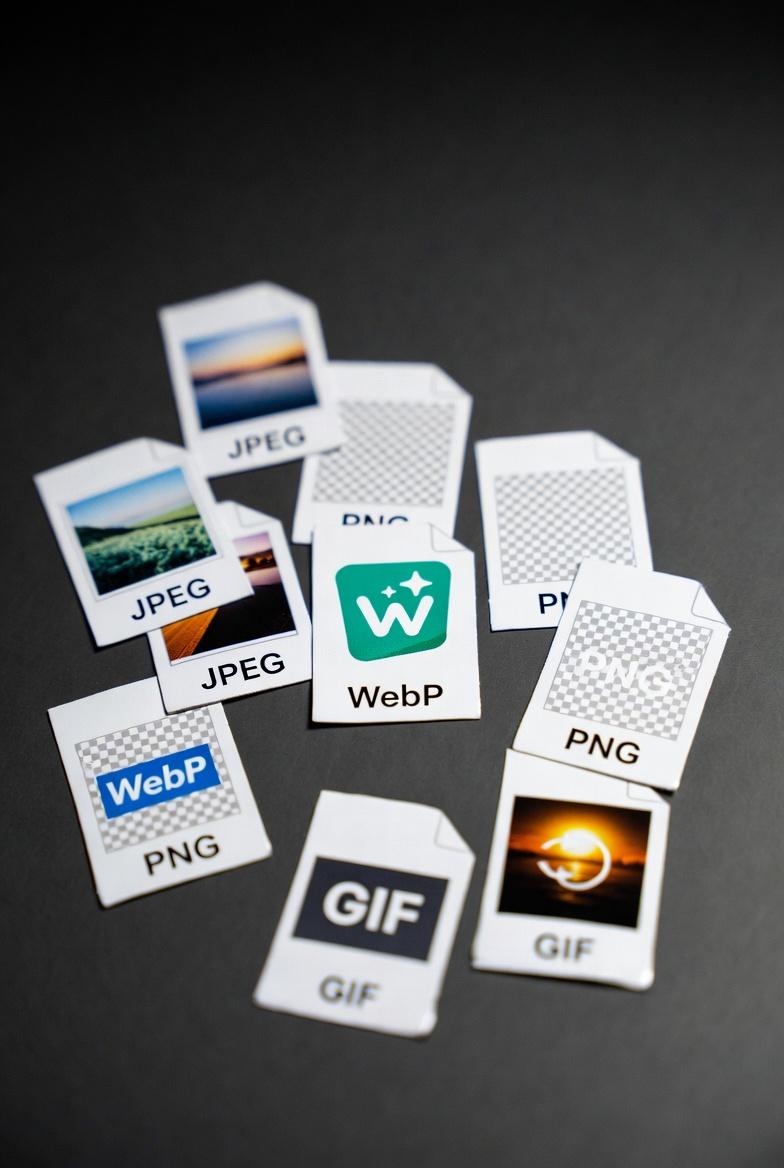
Understanding Image Formats
Choosing the right image format affects file size, quality, and compatibility. Here's everything you need to know.
The Major Formats
JPEG (JPG)
Best for: Photos and complex images
JPEG uses lossy compression, removing some data to reduce file size:
Strengths:
- Small file sizes
- Perfect for photographs
- Universal compatibility
- Adjustable quality levels
- No transparency support
- Quality loss with each save
- Artifacts in graphics/text
- No animation
- Photographs
- Complex images with gradients
- Web images where size matters
- Email attachments
- Lossless quality
- Supports transparency (alpha channel)
- Perfect for graphics and text
- No quality loss when editing
- Larger file sizes
- No animation (use APNG for that)
- Overkill for photos
- Logos and icons
- Graphics with text
- Images needing transparency
- Screenshots
- 25-35% smaller than JPEG at same quality
- Supports transparency like PNG
- Supports animation like GIF
- Lossless and lossy options
- Not supported by older browsers
- Less universal than JPEG/PNG
- Some software doesn't support it
- Modern websites
- Apps and progressive web apps
- When file size is critical
- Animation support
- Universal compatibility
- Simple transparency (1-bit)
- Small files for simple graphics
- Only 256 colors
- Poor for photographs
- Large animated files
- No partial transparency
- Simple animations
- Reaction images/memes
- Very simple graphics
- Legacy compatibility
- Yes → JPEG (or WebP for modern sites)
- No → Continue below Does it need transparency?
- Yes → PNG (or WebP)
- No → Continue below Does it need animation?
- Yes → GIF (or WebP)
- No → Continue below Is it for the web?
- Yes → WebP with JPEG fallback
- No → JPEG or PNG based on content
- Remove metadata
- Reduce color palette
- Use PNG-8 for simple graphics
- Tools: TinyPNG, ImageOptim
- Preserves quality (no improvement)
- Increases file size
- Only convert if transparency needed
- Loses transparency
- Reduces file size
- Good for photographs saved as PNG
- Usually best quality/size ratio
- Check browser compatibility
- Good for web optimization
- Loses animation and transparency
- No quality improvement
- Just increases file size
- Use WebP with fallbacks
- Responsive Images
- Serve different sizes for different devices
- Use srcset attribute
- Lazy Loading
- Load images as they enter viewport
- Use loading="lazy" attribute
Weaknesses:
When to Use:
PNG
Best for: Graphics, logos, transparency
PNG uses lossless compression, preserving all image data:
Strengths:
Weaknesses:
When to Use:
WebP
Best for: Web use, modern applications
Google's modern format offering best of both worlds:
Strengths:
Weaknesses:
When to Use:
GIF
Best for: Simple animations, small graphics
The original web animation format:
Strengths:
Weaknesses:
When to Use:
Format Comparison Table
| Feature | JPEG | PNG | WebP | GIF |
| Compression | Lossy | Lossless | Both | Lossless |
| Transparency | No | Yes | Yes | Limited |
| Animation | No | No* | Yes | Yes |
| Colors | 16.7M | 16.7M | 16.7M | 256 |
| Best For | Photos | Graphics | Web | Animation |
| File Size | Small | Medium | Smallest | Varies |
| Quality | Use Case | File Size | ||
| 100% | Archival | Largest | ||
| 85-95% | High quality | Medium | ||
| 70-84% | Web standard | Small | ||
| <70% | Thumbnails | Smallest |
Recommended: 80-85% for web images
PNG Optimization
PNG files can be optimized:
Converting Between Formats
Best Conversion Paths
JPEG to PNG:
PNG to JPEG:
Any to WebP:
Avoid Converting
GIF to JPEG:
JPEG to PNG repeatedly:
Tips for Web Optimization
Modern Best Practices


Convert Your Images
Use our free image converter to transform between JPEG, PNG, WebP, GIF, and more. Fast, free, and maintains quality.
Free File Converter
Convert images, audio, video, and documents in your browser — no upload, no sign-up, completely private.

Andrew
·Founder of ConvertzBuilding free, accurate conversion tools for everyone. All content is AI-assisted and editorially reviewed for accuracy. Learn more about Convertz
Try Our Free Converters
Convert currencies, cryptocurrencies, units, and files instantly with our free online tools.
Related Articles

The End of Financial Privacy? Programmable Money and Who Controls Your Cash
Digital money can be tracked, controlled, and frozen in ways physical cash never could. As CBDCs, stablecoins, and programmable payments replace cash, who gets to watch — and who gets to decide what you can spend? The privacy battle behind the future of money.

When Software Becomes the Customer: Inside the AI-Agent Economy
For all of history, every transaction had a human on at least one end. In 2026 that ended — AI agents now shop, negotiate, and pay on their own. Here is how the machine economy works, who is racing to build its payment rails, and what it means for you.

Gold Just Beat US Treasuries — The Hard-Asset Side of the New Money System
For the first time since 1996, the gold held by foreign central banks is worth more than their US Treasury holdings. As money goes digital, the world is quietly re-anchoring to hard assets — gold, silver, copper, uranium. Here is the resource story behind the financial revolution.
Related across Convertz
Country guides, key terms, and rate history that connect to this article.
Country guides
Glossary
- Mid-Market RateThe mid-market rate is the midpoint between the buy (bid) and sell (ask) price of a curren…
- Pip (Forex)A pip ("percentage in point") is the smallest standard price increment for a currency pair…
- Spread (Forex)The spread is the difference between the buy (ask) price and the sell (bid) price of a cur…
Rate history
- USD/ZAR historyUSD/ZAR is one of the world's most volatile major emerging-market pairs, with daily ranges often 1-2% and rare episodes of 5%+ moves
- NZD/USD historyNZD/USD ("Kiwi" in forex slang) is the second of the major commodity-currency pairs after AUD/USD — heavily linked to global dairy prices, Chinese consumer demand, and global risk sentiment